Replay user sessions

Replay user sessions

You can stop asking users
what they clicked.

You can stop asking users
what they clicked.

Session Replay is built into Rollbar error monitoring. It attaches the clicks, scrolls, and inputs before a frontend error to the error itself, right next to the stack trace. Your coding agent can pull the same replay through our MCP server.

Session Replay is built into Rollbar error monitoring. It attaches the clicks, scrolls, and inputs before a frontend error to the error itself, right next to the stack trace. Your coding agent can pull the same replay through our MCP server.

Replays are included in every plan, with 1K free each month.

Replays are included in every plan, with 1K free each month.

Replays are included in every plan, with 1K free each month.

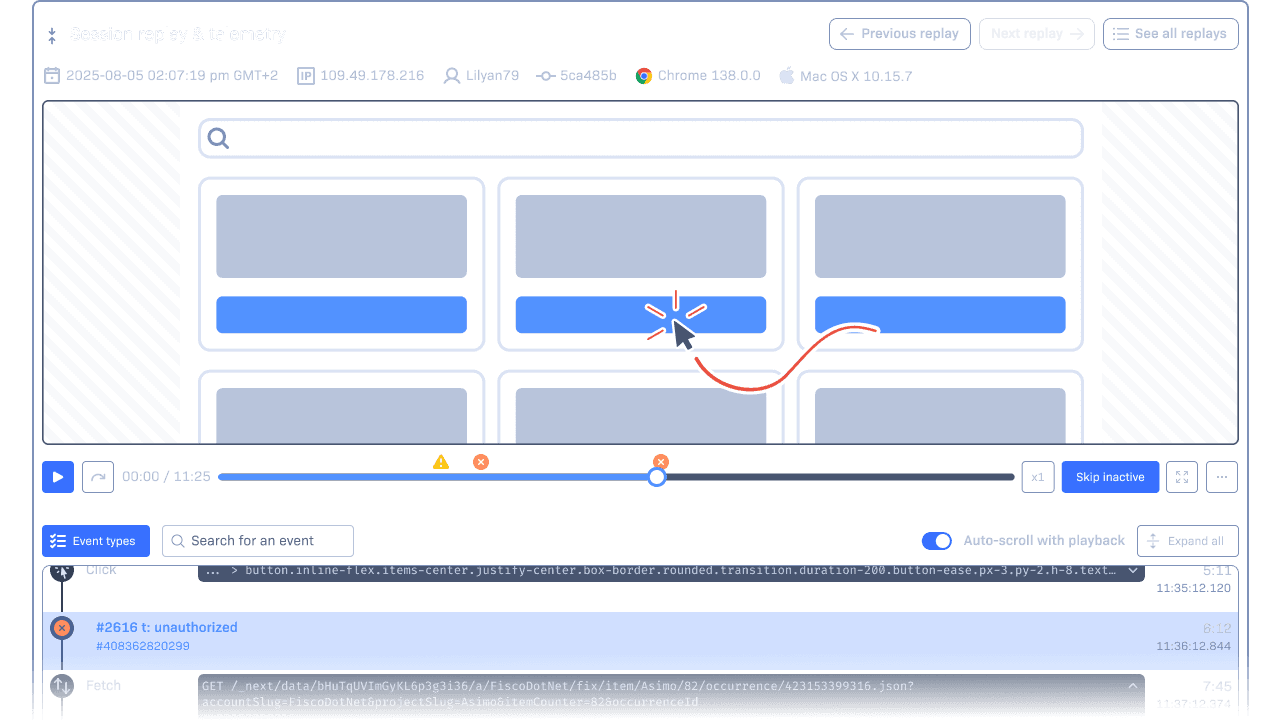
Session replay and telemetry UI, showing an example user session's visual playback and the related telemetry events synced with the playback.

What the replay adds

What the replay adds

Stack traces tell you what broke. The replay
shows you how.

Stack traces tell you what broke. The replay
shows you how.

You spot misclicks, layout issues, and timing bugs without recreating the steps or asking users to explain.

You spot misclicks, layout issues, and timing bugs without recreating the steps or asking users to explain.

Record on errors, user paths, or custom events.

Record on errors, user paths, or custom events.

Replays appear in the error details, next to the deploy.

Replays appear in the error details, next to the deploy.

Record only the sessions that matter, so your budget goes to the bugs.

Record only the sessions that matter, so your budget goes to the bugs.

On the item

The replay is
already on the error when you open it.

Session Replay shows you what happened before an error, so you are not guessing or reproducing. The userโ€™s path and the root cause sit side by side on the item.
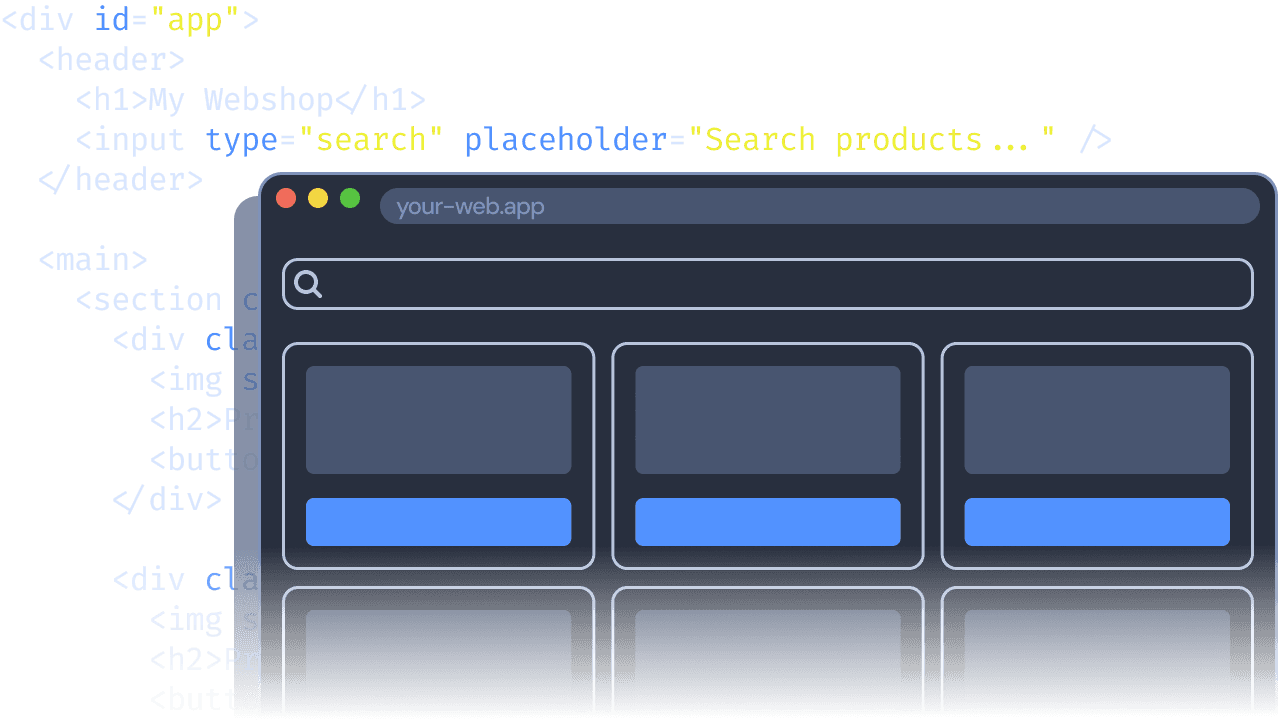
An example application and the underlying DOM.

See exactly what the user saw

DOM snapshots capture the page at the moment of the error, so broken layouts show up right away.

Understand how the bug unfolded

The timeline shows clicks, inputs, navigation, and console messages in order.
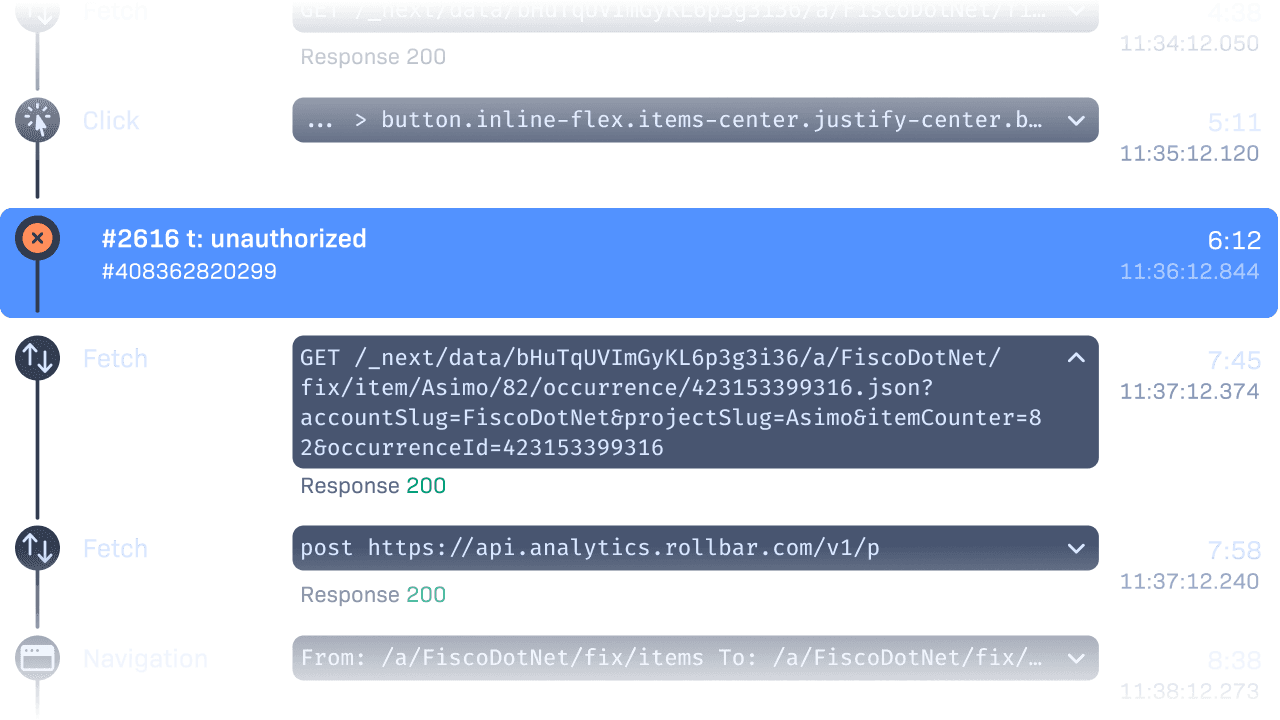
A list of telemetry events on a timeline.
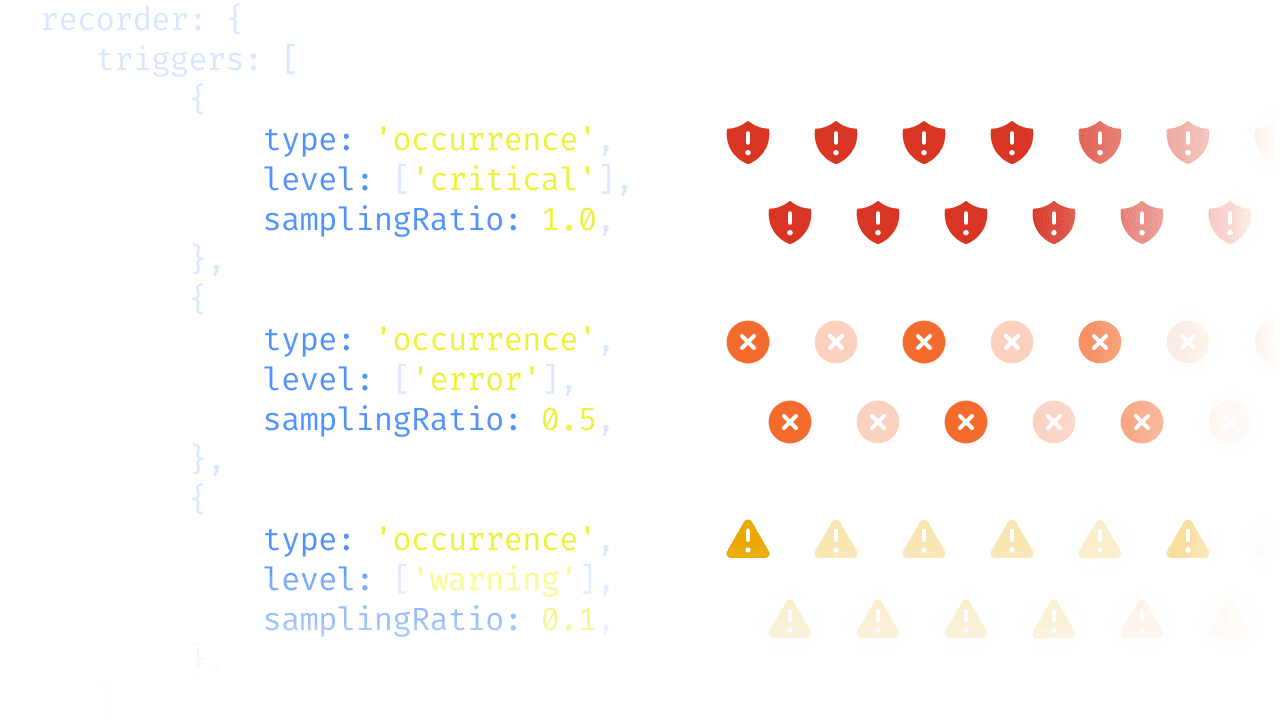
Custom sampling configuration, setting samplingRatio to different values for different error severity levels.

Record the sessions that matter

Trigger replays on errors, routes, warning levels, or manual calls, with sampling that fits your budget.

Privacy, built in

Privacy classes mask or exclude inputs, forms, and page elements, so you control what gets captured.
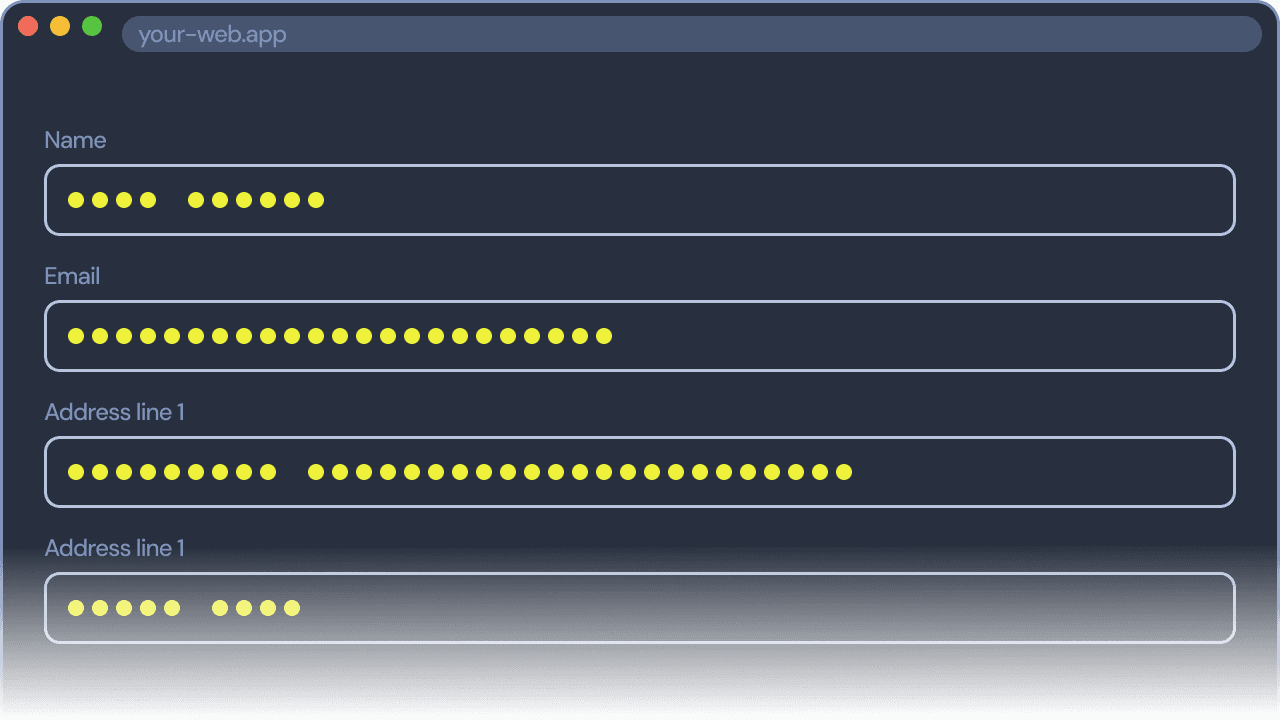
Masked input values on a session replay playback.
A part of a session replay highlighted, focusing on showing what led to an error and what happened after.

Root cause and fix

The user clicked Clear, then Apply. That is your bug.

The replay shows the path the user took to the failure. Here, two clicks left both date inputs empty before Apply ran the chart update. Your coding agent can pull the same replay through our MCP server and write the fix in your editor. A confusing flow, a missing validation, or a race from rapid clicks goes from a mystery to a change you review.

Built for debugging

Replays sit where you
already debug, right next to the stack trace.

A toggle, showing the option to record new errors enabled.

Start with what matters most

Session Replay is on by default for new errors. Add triggers when you need more coverage.
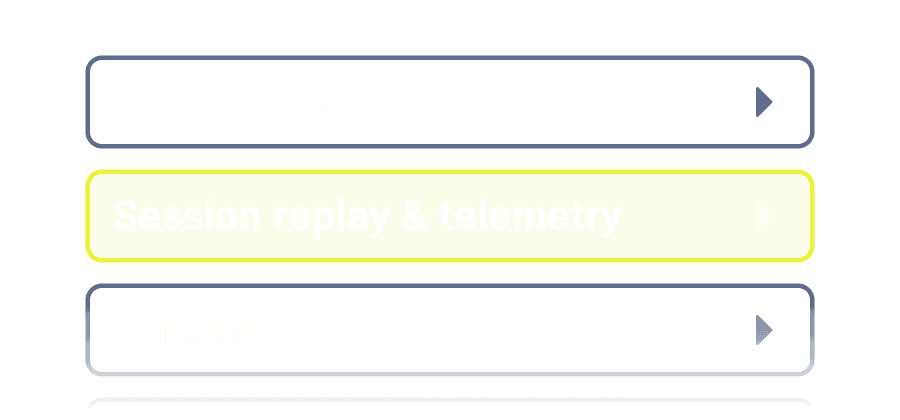
Different sections of the Item Detail screen's UI, Session replay & telemetry among them.

Stay in your debugging flow

Replays are built into the item page, so you never switch tabs or open another tool.
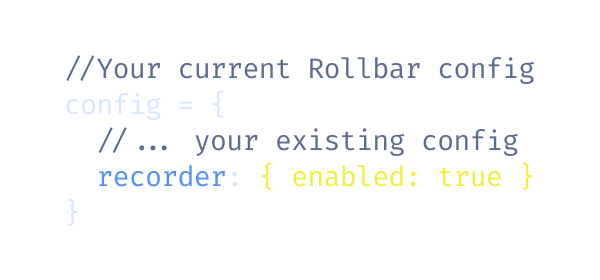
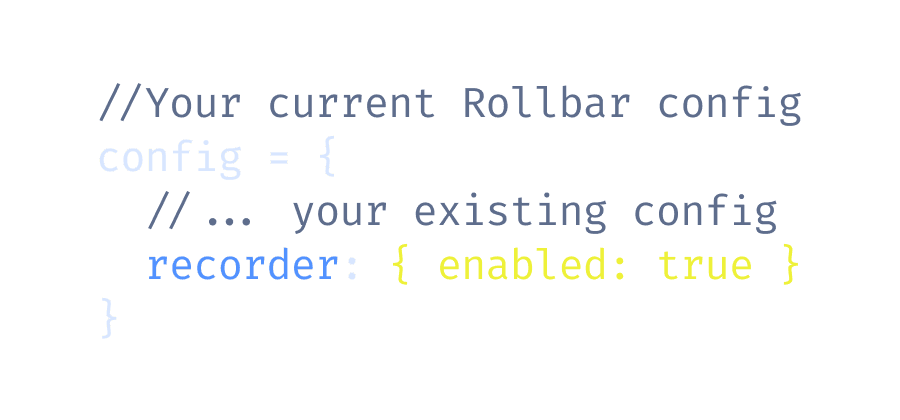
An example Rollbar configuration with recorder set to enabled, enabling session replays.

Install with one line

It uses your existing Rollbar setup and links itself to new occurrences.

Get started

Stop debugging blindfolded, and
see what youโ€™ve been missing.

Stop debugging blindfolded, and see what youโ€™ve been missing.

Plans start at $0 for 1K replays, with a 14-day free trial.

Plans start at $0 for 1K replays, with a 14-day free trial.